Manhwa editing tools
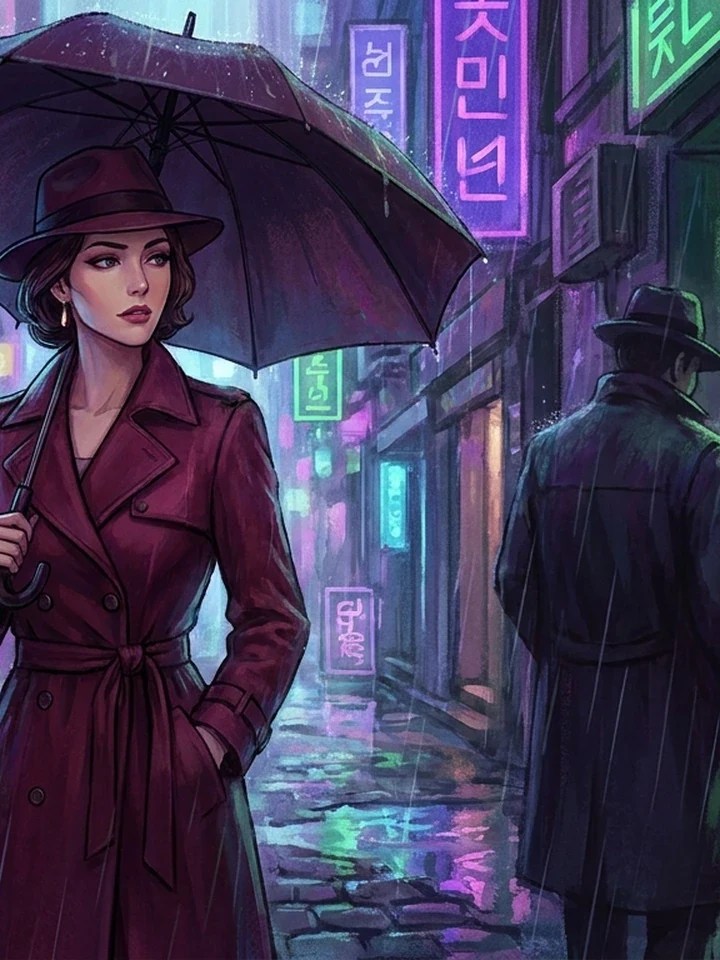
Every tool here does one job on your hentai and manhwa art, and leaves the rest of the picture alone. That is the point: you are not gambling on a fresh render every time you want a different jacket. Start in the studio, then fix what is wrong here.
Pick by the problem, not the name
Four groups, sorted by what they change.
Change the character
Outfit Studio, Expression Lab, and Pose Studio alter wardrobe, emotion, and body position while holding the face steady.
Change the surroundings
Scene Changer moves the subject somewhere new. Object Remover deletes a distraction. Canvas Expander paints past the frame.
Change the finish
Anime Restyle translates a piece into a different visual language. Anime Upscaler rebuilds linework at 4K.
Work from a reference
Photo to Anime, Photo to Sketch, and Prompt Detective all start from an image you already have.
What each tool costs
Every tool spends credits, so plan a session around the order below.
| Tool | Runs on | Cost |
|---|---|---|
| Resizer, Cropper, Compressor | Our server, no model | 1 credit |
| Background Remover | Our server, no model | 1 credit |
| Upscaler, Restyle, Scene Changer | A model | 5 credits |
| Outfit, Expression, Pose | A model | 5 credits |
The order that saves credits
Settle composition first, then pose and wardrobe, then style, and upscale last. Editing an upscaled image costs more and gives the model a harder job. Getting this order wrong is the most common way to waste credits.
Common questions
Do the tools cost credits?
The generative ones do, and each shows its cost first. Resize, crop, compress, and background removal are free and run locally.
Will editing change my character's face?
The tools preserve identity by design. Large changes to angle or scene carry more drift than small ones - See the consistency guide.
Which tool should I use first?
Whichever fixes the biggest problem. If composition is wrong, no amount of restyling will save it.
Where to go next
Continue with generate something first, upscale a finished piece and keeping a character consistent.