Canvas Expander
Continues a scene past its original edges. Useful when a portrait needs to become a banner, when a cover needs bleed, or when a composition would simply be better with more room on one side.
Expand one direction at a time
Each expansion is an act of invention. Inventing on all four sides at once compounds the guesswork and the errors multiply.
- Extend one edge, check it, then extend the next.
- Modest expansions look best. Past about half the original dimension the invented area dominates, and upscaling will only magnify it.
- Expand away from your subject, not toward it.
What the model uses as evidence
Only what is already at the existing edge.
Continues well
A wall, a floor, sky, or water running to the border. There is an obvious continuation.
Continues badly
A figure cropped mid-body. The model has to invent anatomy with no reference.
Continues unpredictably
Complex scenes with several competing elements at the edge.
Where it fits in the order
Expand before you upscale. Doing it the other way costs more and gives the model a harder job. If you only need different framing rather than more image, the cropper is free and instant.
Extending a frame
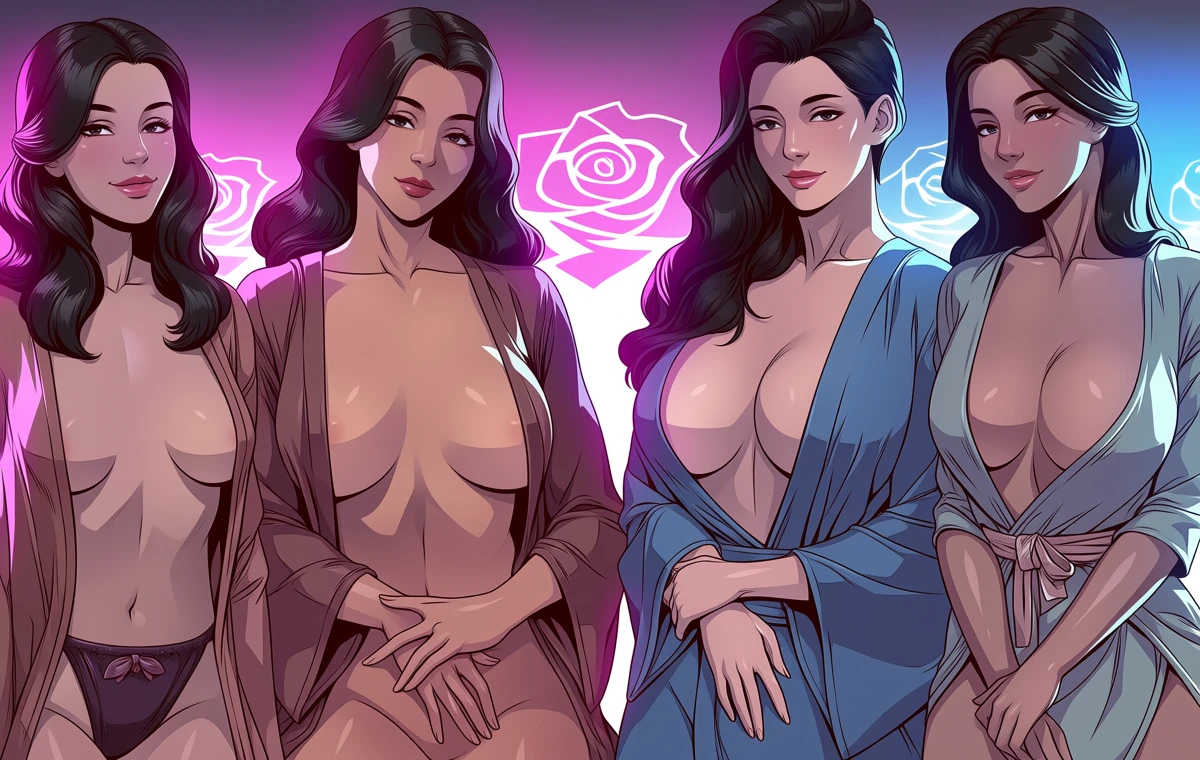

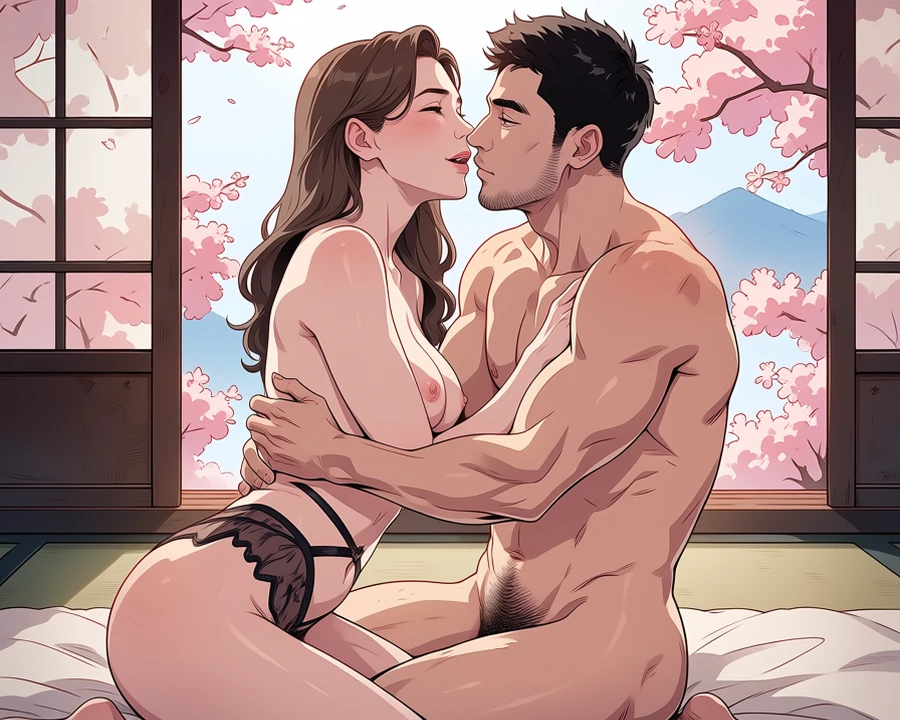
Real before-and-after pairs, one per case. Source photographs are genuine API output; the conversions here were rendered with a stand-in model while the converter's provider was unavailable, so treat them as style references rather than shipped-tool output.
Worked example: turning a portrait into a wide banner
| Input | 1024x1280 portrait |
|---|---|
| Target | 1920x1080 banner |
| Cost | 5 credits |
| Method | One edge at a time |
The exact instruction
extend the scene 400px to the right only, continue the brick wall and the wet pavement, match the existing light direction and colour temperature
What comes back
Extending one edge at a time keeps the invention bounded. The model continues what is already at that border, so a wall running to the edge continues convincingly.
When it goes wrong
| What you see | Why | What to change |
|---|---|---|
| It invented a limb | You expanded toward a cropped figure | Expand away from your subject |
| New area does not match | Expanded too far in one pass | Work in smaller steps and check each |
| Everything went soft | Expanded more than half the original | Recompose instead, or generate wider from the start |
Common questions
How far can I expand?
Modest expansions look best. Beyond about half the original dimension the invented area dominates and loses coherence.
Can I expand an upscaled image?
You can, but expand first and upscale last. The reverse costs more and works worse.
Why did it invent a limb?
You expanded toward a cropped figure. Expand away from your subject instead.
Where to go next
This tool is usually used alongside reframe instead, compose a cover and upscale afterwards.