Composition Cropper
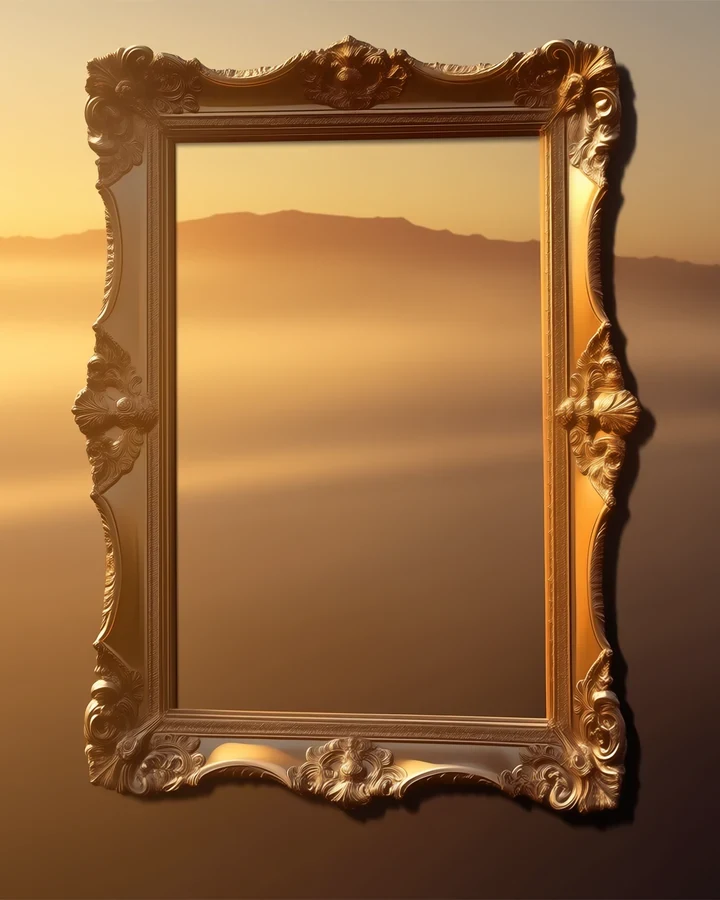
Cropping is a compositional decision. Moving the frame changes where the eye lands, how much air surrounds the subject, and whether an image reads as intimate or observational. The pixels are identical; the story is not.
Crop changes meaning
The same image says different things depending on where you cut it.
Tight on a face
Intimate, and slightly confrontational. The viewer has no escape route.
Pulled back to the room
Becomes a scene about a person in a place rather than about a person.
Off-centre
Creates unease or anticipation, because the empty side implies something outside the frame.
Ratios and where they get read
Match the ratio to where the image will live.
- Portrait - Phone feeds and covers. The default for manhwa.
- Landscape - Banners and desktop headers.
- Story - Tall enough to demand a full-figure composition rather than a crop of one.
Crop before you spend credits
This is free because no model is involved. Fixing framing here costs nothing, whereas regenerating costs a credit and gives you a different picture rather than a better-framed one. If you need more image rather than less, use Canvas Expander.
Before and after, on a real run
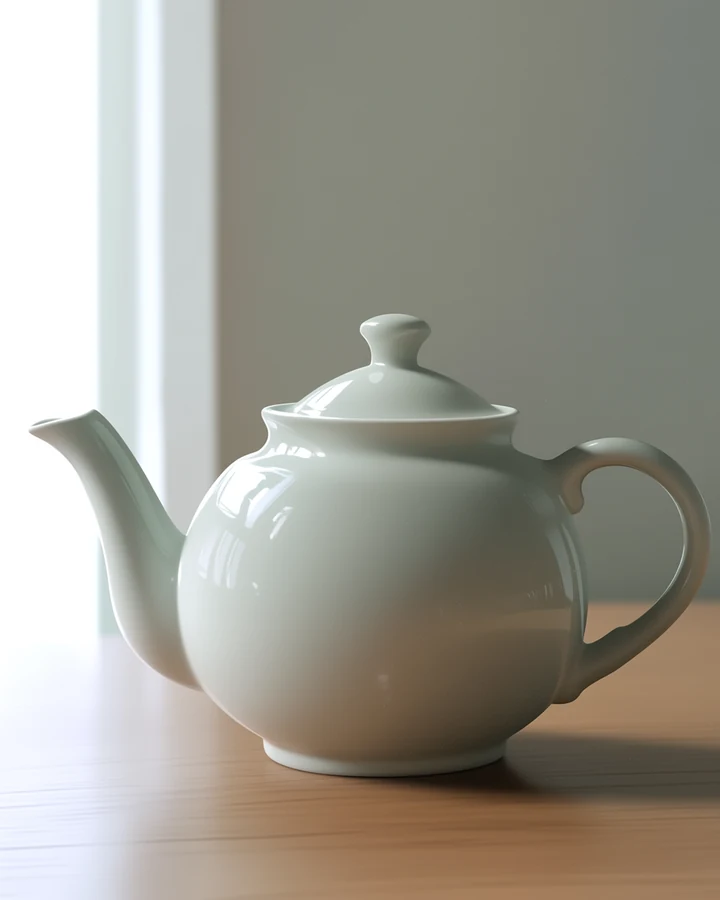
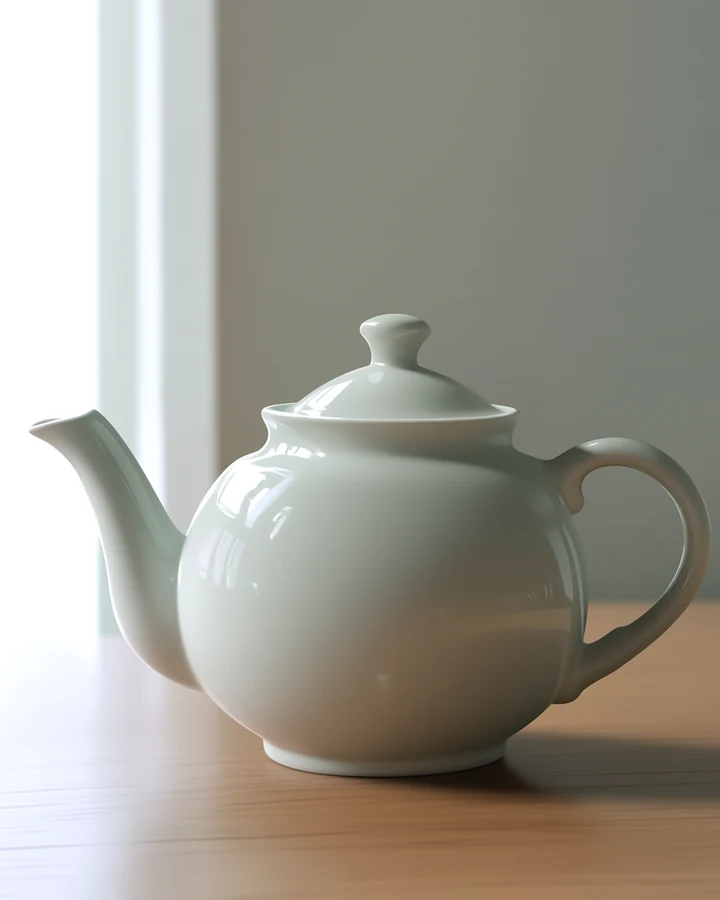
Left The original portrait framingRight The same image cropped to a 1:1 square, centre anchored
A genuine 1:1 centre crop. Notice how much the reframe changes what the picture is about, not just its shape.
Worked example: reframing a full shot into an intimate close-up
| Runs | In your browser |
|---|---|
| Cost | Free |
| Non-destructive | Original untouched |
| Try | Three crops before regenerating |
The exact instruction
no prompt needed - Drag the frame and pick a ratio
What comes back
The same picture cropped tight on the face is intimate and slightly confrontational; pulled back to include the room it becomes a scene about a person in a place. Identical pixels, different story.
When it goes wrong
| What you see | Why | What to change |
|---|---|---|
| The crop feels awkward | Subject centred by default | Try off-centre - The empty side implies something outside the frame |
| Resolution too low after cropping | You kept a small region | Crop first, then upscale |
| Wrong shape for the platform | Ratio not set | Pick the target ratio before dragging |
Common questions
Does cropping reduce quality?
It reduces pixel dimensions since you keep less of the image. The remaining pixels are untouched.
Does this cost credits?
No. Cropping needs no model, so it is free.
What ratio should I use for a cover?
Portrait, and check it at thumbnail size - Cover Maker explains why.
Where to go next
This tool is usually used alongside add space instead of removing it, change dimensions and compose a cover.