Image Resizer
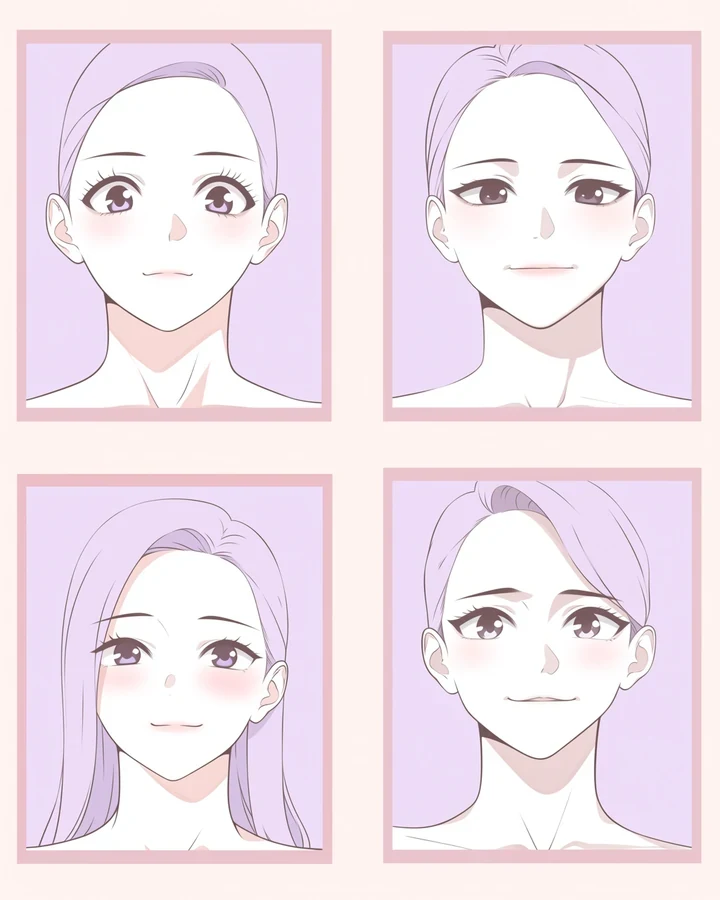
Set exact dimensions, or fit an image inside a boundary while keeping its proportions. Local, free, and instant - There is no model involved and no reason for there to be.
Fit versus exact
Two modes, and picking the wrong one distorts your artwork.
| Mode | What it does | Use when |
|---|---|---|
| Fit | Keeps proportions, fits inside your box | Almost always |
| Exact | Forces dimensions, distorts if the ratio differs | You know the ratio matches |
Resize down, not up
Reducing size discards information cleanly and looks fine. Enlarging here just stretches pixels.
- Shrinking is lossless-looking and safe.
- Stretching produces a soft, mushy result.
- To make an image genuinely bigger, use the upscaler, which rebuilds linework rather than stretching it.
Where it sits in a workflow
Resize at the very end, after every edit is settled, and before compressing for upload. Resizing a finished piece costs nothing, so there is no reason to do it early.
Worked example: fitting artwork to a platform's maximum
| Runs | In your browser |
|---|---|
| Cost | Free |
| Mode | Fit, not Exact |
| Direction | Down only |
The exact instruction
no prompt needed - Set the target box and choose Fit
What comes back
Fit keeps the proportions and places the image inside your box. Exact forces the numbers and will stretch the picture if the ratio does not match, which is almost never what you want.
When it goes wrong
| What you see | Why | What to change |
|---|---|---|
| The image looks squashed | Exact mode with a mismatched ratio | Use Fit |
| Enlarging made it mushy | This stretches pixels | Use the upscaler, which rebuilds them |
| Quality dropped | Resized more than once | Always resize from the original |
Common questions
Does this cost credits?
No. It runs without a model, so it is free.
Should I use this to enlarge an image?
No. Use Anime Upscaler, which rebuilds linework instead of stretching pixels.
Will it distort my image?
Only in Exact mode with a mismatched ratio. Fit mode never distorts.
Where to go next
This tool is usually used alongside enlarge properly, change the framing and reduce file size.