Image Compressor
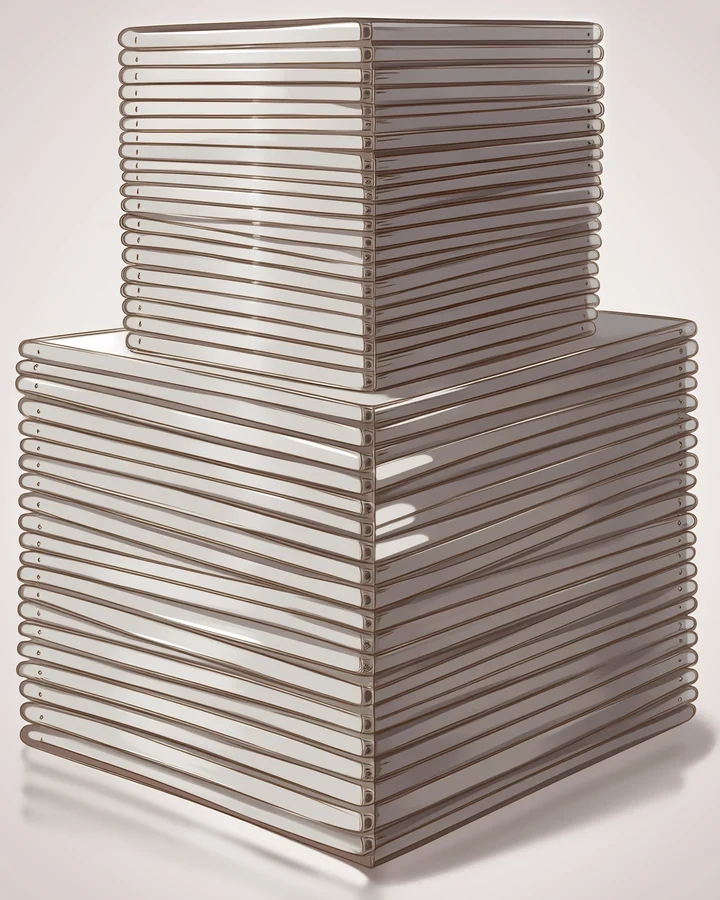
Shrink a file and convert between formats. Which format you pick matters more than how hard you compress, because each one is built for a different kind of picture - And anime art is a specific kind.
Choosing a format
The wrong format costs you more size than any slider will save.
| Format | Transparency | Best for |
|---|---|---|
| WebP | Yes | Almost everything. Smallest at equal quality. |
| PNG | Yes | Line art, and anything needing a pristine alpha channel. |
| JPEG | No | Photos. Degrades flat colour, which anime art is mostly made of. |
Why JPEG hurts anime art
JPEG was designed for photographs, which are full of noise and gradients. Anime art is the opposite.
- Large areas of flat colour are where JPEG artefacts show worst, and flat colour is most of what anime restyling produces.
- Hard line edges get halos and ringing.
- No transparency, so cut-outs are impossible.
Compress last, and only once
Compression is lossy and cumulative. Every save-and-recompress cycle degrades the image further. Do it once, at the end, from the original - After resizing and after upscaling.
Before and after, on a real run
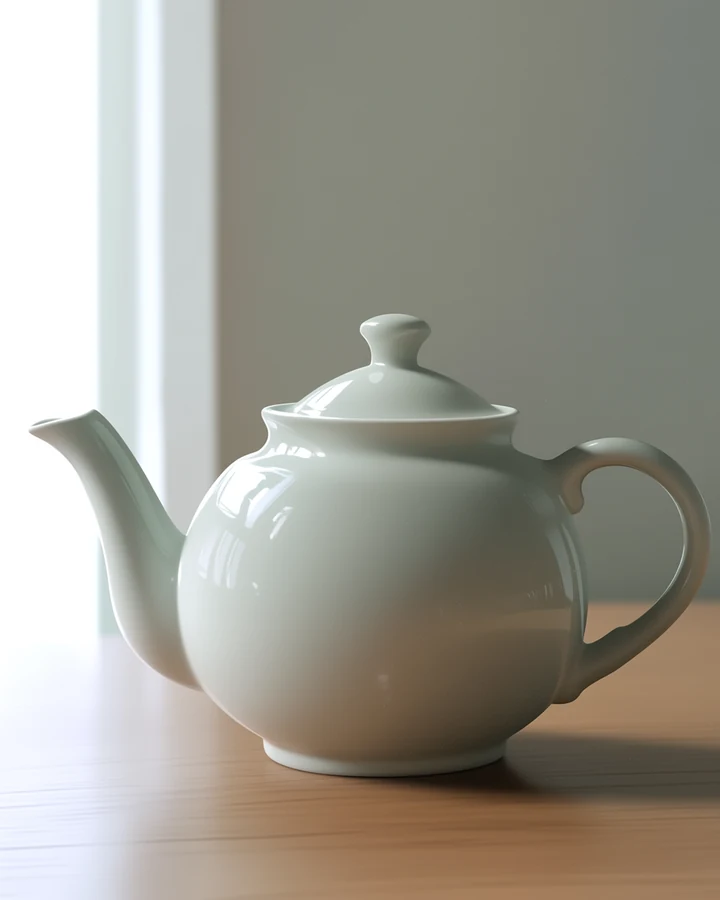
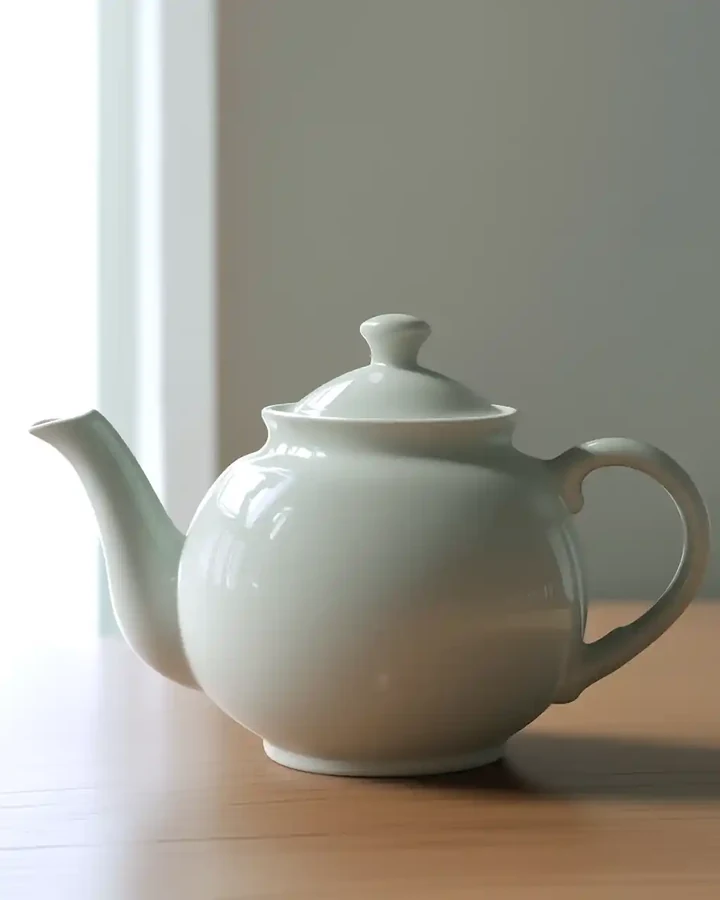
Left The original at full qualityRight The same image re-encoded to WebP at quality 35
Compressed hard on purpose, at quality 35, so the trade-off is visible. At the 80 or above you would normally use, the difference is far harder to see.
Worked example: preparing a finished piece for upload
| Runs | In your browser |
|---|---|
| Cost | Free |
| Format | WebP unless you need alpha |
| Times | Compress once, from the original |
The exact instruction
no prompt needed - Choose WebP and set quality
What comes back
WebP is smaller than JPEG at equal quality and supports transparency, which JPEG does not. For anime art that matters: JPEG degrades exactly the flat colour areas this style is made of.
When it goes wrong
| What you see | Why | What to change |
|---|---|---|
| Flat colours look blotchy | JPEG artefacts on flat areas | Use WebP or PNG |
| Transparency disappeared | JPEG has no alpha channel | Export PNG or WebP |
| Quality got worse over time | Recompressed repeatedly | Always compress from the original |
Common questions
Which format should I use for anime art?
WebP for most uses. PNG when you need transparency or perfectly clean line art.
Does compressing repeatedly hurt quality?
Yes, with JPEG and WebP. Losses accumulate, so compress once from the original.
Does this cost credits?
No. It runs without a model, so it is free.
Where to go next
This tool is usually used alongside resize first, transparent PNG and upscale before compressing.