Anime Upscaler
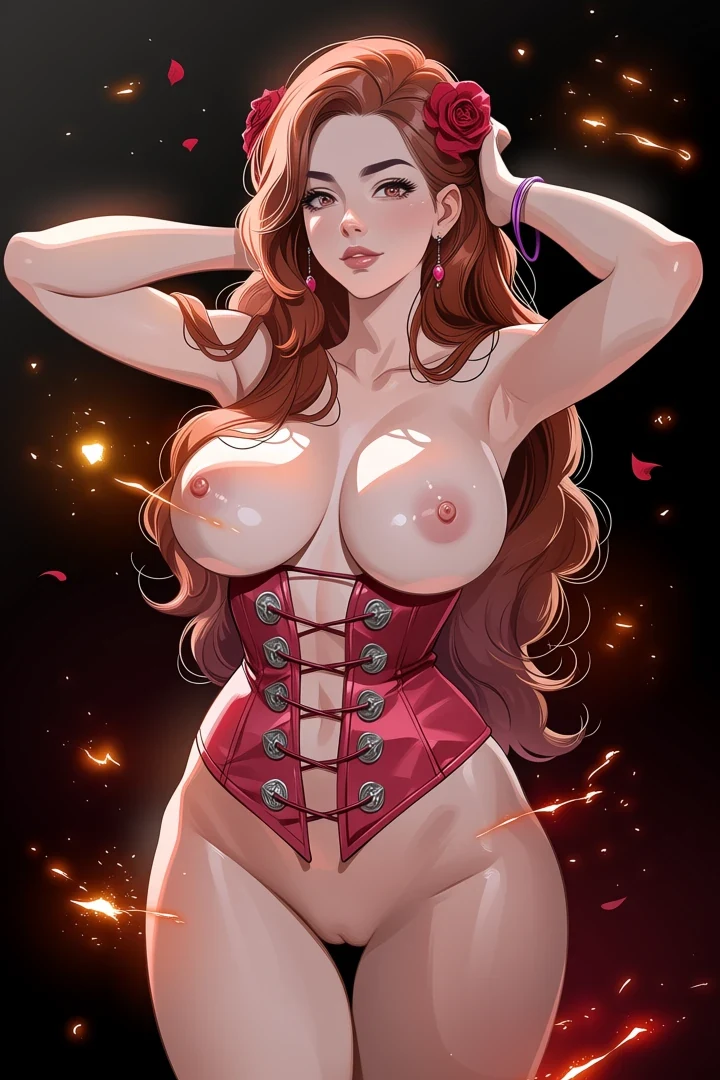
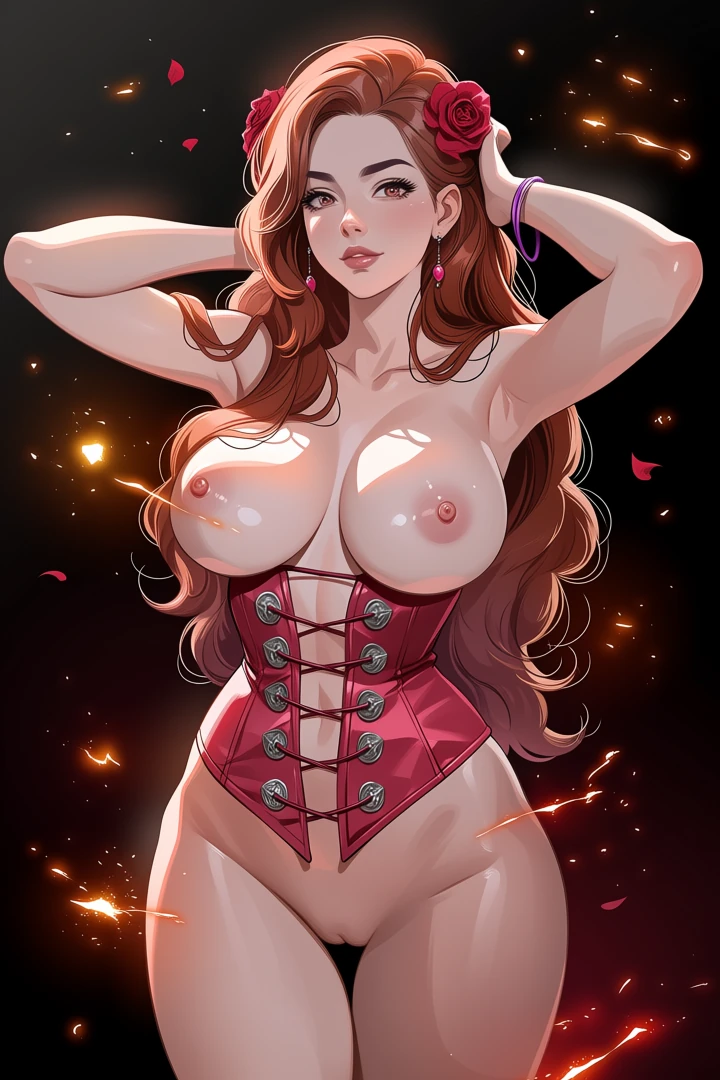
Ordinary enlargement guesses at the pixels in between. You get a bigger, softer picture. This rebuilds the linework instead. Edges are redrawn, not stretched. That is what you see on a print or a full screen.
When it helps and when it cannot
Detail can be rebuilt. Detail that was never captured cannot be invented convincingly.
Works well
Clean line art, flat cel shading, defined edges. Exactly what the reconstruction was trained on.
Works poorly
Heavy JPEG artefacts and images already blurry at source. The tool sharpens the artefacts along with the art.
Works unpredictably
Very small crops. There is simply not enough signal to work from.
Choose the right scale
Bigger is not automatically better, and 4x costs more time.
| Scale | Use for |
|---|---|
| 2x | Screen use, social posts, portfolio |
| 4x | Print, or when you plan to crop in hard |
Upscale last
This is the final step. Editing an upscaled image costs more and gives the editing model a harder job. Settle the outfit, the expression, and the composition first - The tools index lists the right order.
Linework at full size
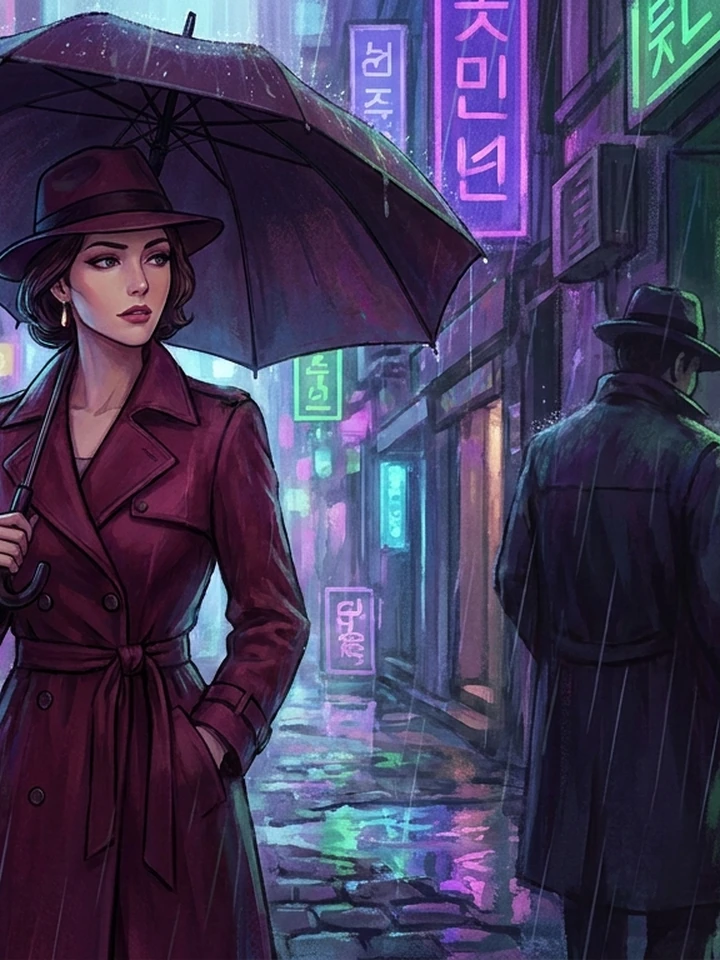
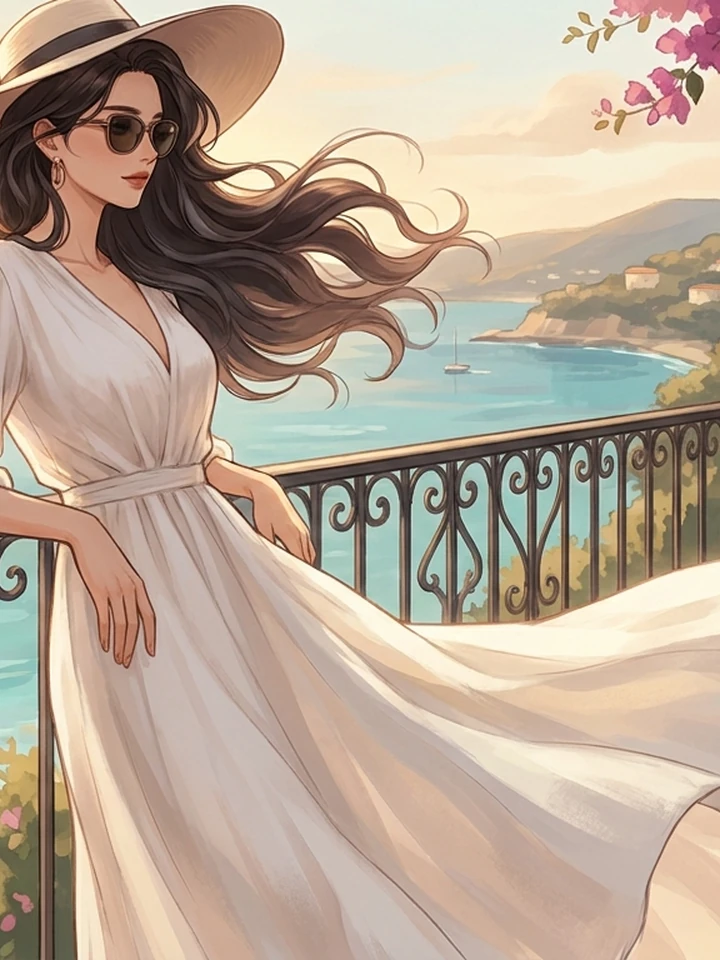
Real before-and-after pairs, one per case. Source photographs are genuine API output; the conversions here were rendered with a stand-in model while the converter's provider was unavailable, so treat them as style references rather than shipped-tool output.
Worked example: a finished 1024x1280 portrait taken to print size
| Input | 1024x1280 PNG, already edited |
|---|---|
| Scale | 4x -> 4096x5120 |
| Cost | 5 credits |
| Order | Last step. After every edit |
The exact instruction
upscale 4x, reconstruct linework, preserve cel shading and flat colour areas, do not add detail that is not present
What comes back
Edges are redrawn, not stretched, so lines stay crisp at full size. Flat colour stays flat. A normal resize would leave it blotchy.
When it goes wrong
| What you see | Why | What to change |
|---|---|---|
| Output looks sharpened, not rebuilt | Source had JPEG artefacts | Upscale from the original PNG, never a re-saved JPEG |
| Still blurry at 4x | Detail was never captured | Regenerate larger in the studio instead |
| Edits after upscaling look wrong | Editing models work harder at 4K | Edit first, upscale last |
Common questions
Will upscaling fix a blurry image?
No. It rebuilds edges that exist; it cannot recover detail that was never captured.
Which scale should I choose?
2x for screen use, 4x only for print or heavy cropping.
Can I upscale then edit?
You can, but it costs more and works worse. Edit in the studio first, upscale afterwards.
Where to go next
This tool is usually used alongside reduce the file size after, reframe before upscaling and generate at higher resolution instead.