Photo to Sketch
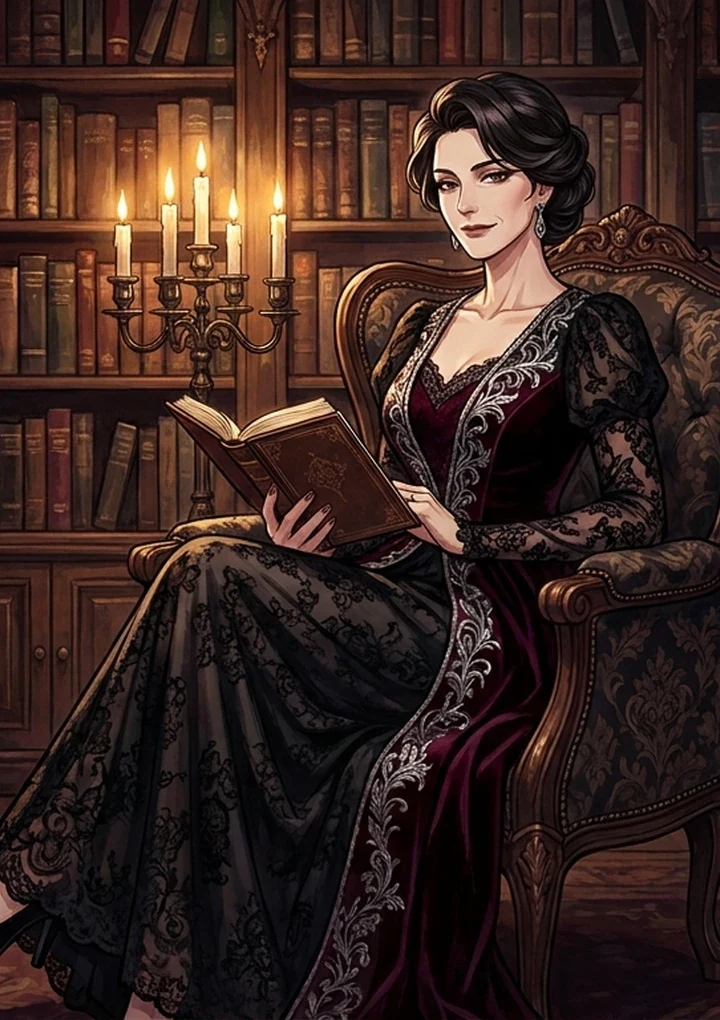
This strips an image down to the drawing underneath it. Useful three ways: as a base to paint over, as a panel in a monochrome sequence, or as a diagnostic - Because colour hides compositional problems remarkably well.
Line weight signals genre
Readers register line weight before they register content.
Heavy, uniform lines
Read as manga. Bold, graphic, high contrast.
Thin, varied lines
Read as illustration or storyboard. Lighter and more observational.
Sparse lines
Read as unfinished - Sometimes exactly what you want for a rough.
Use it to diagnose composition
Strip an image you are unsure about down to line art. Problems that colour was hiding become obvious immediately.
- Balance issues show up as one heavy side.
- A missing focal point shows up as even line density everywhere.
- Tangents - Where two edges awkwardly touch - Become impossible to miss.
Cleaning up the result
Busy backgrounds produce dense line clutter. Run Background Remover first, or work from a source with a simpler setting. To colour it afterwards, Anime Restyle takes line art in a chosen direction.
Line art at three weights
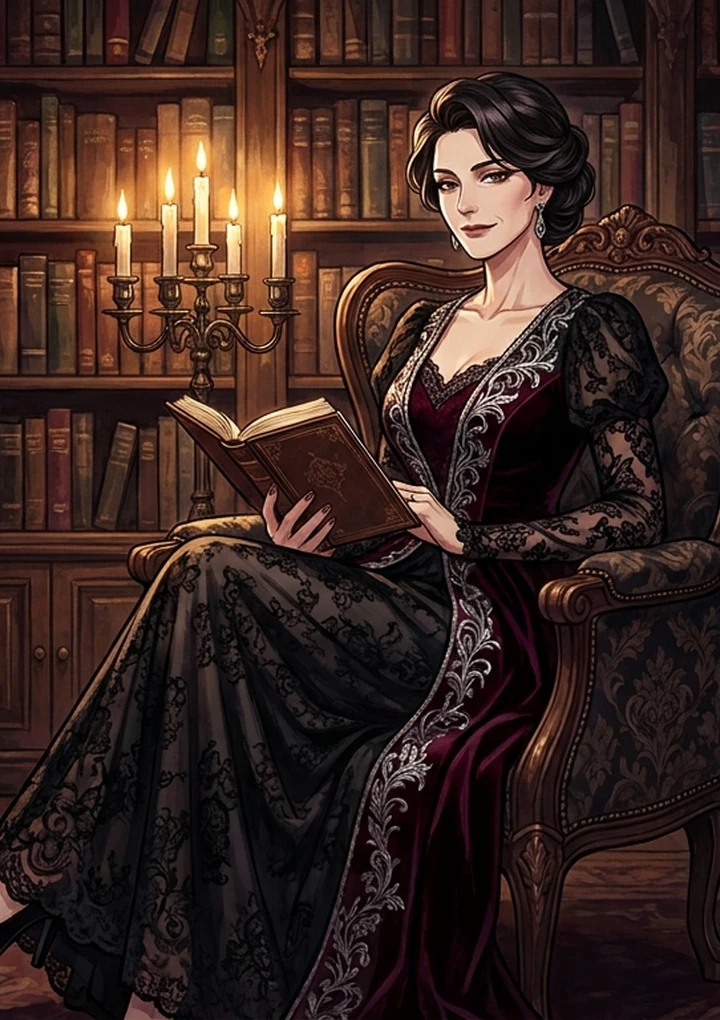
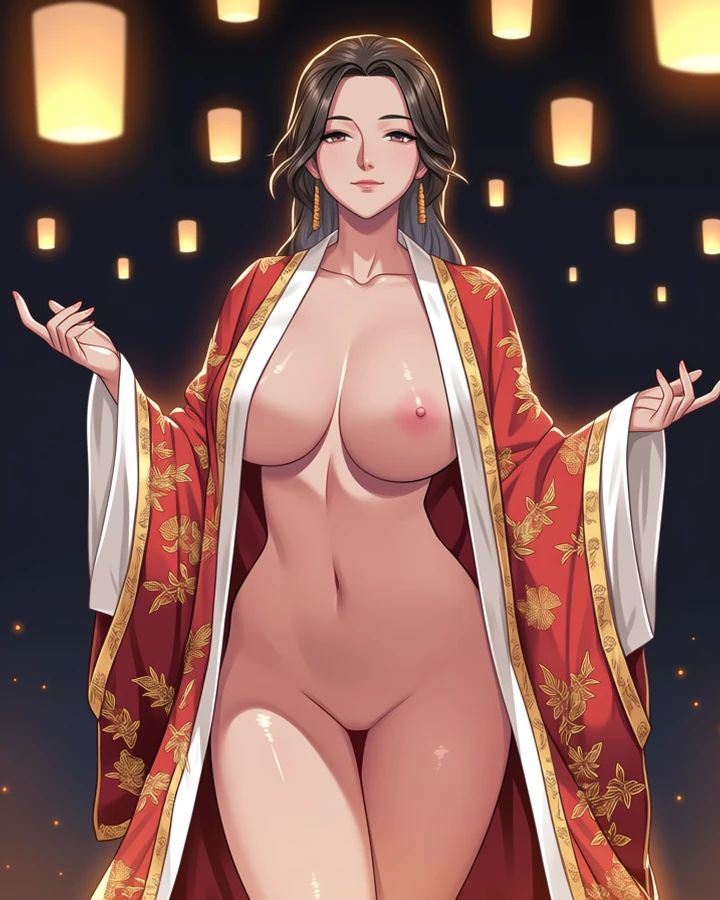
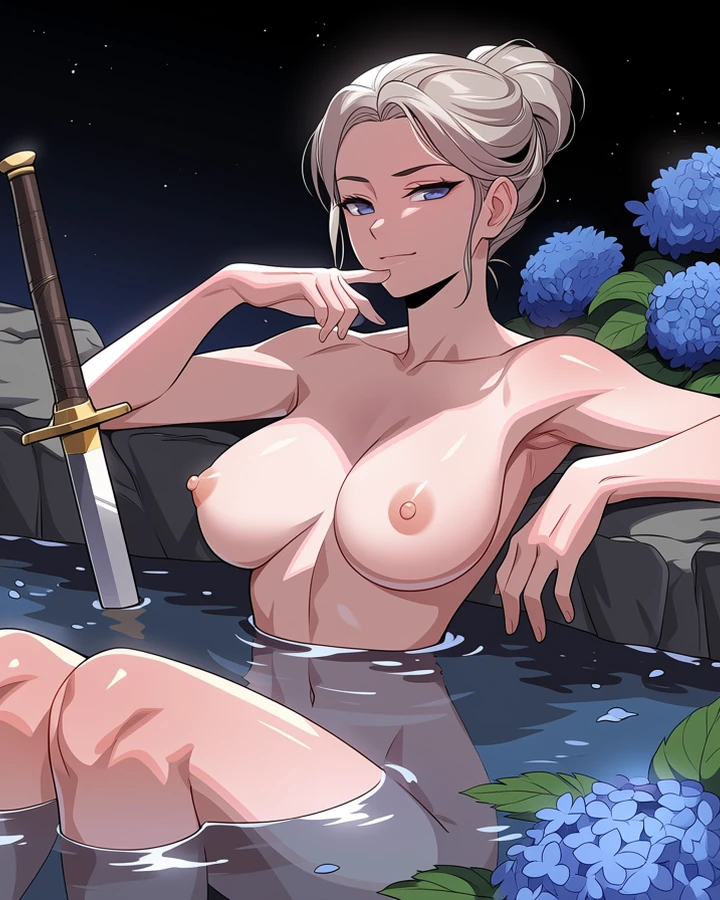
Real before-and-after pairs, one per case. Source photographs are genuine API output; the conversions here were rendered with a stand-in model while the converter's provider was unavailable, so treat them as style references rather than shipped-tool output.
Worked example: a clean line base to paint over
| Input | Illustration or photo |
|---|---|
| Line weight | Heavy and uniform for manga |
| Cost | 5 credits |
| Use for | A painting base, or checking composition |
The exact instruction
convert to clean manga line art, heavy uniform line weight, no shading, no screentone, white background, preserve the pose and crop exactly
What comes back
You get the drawing underneath the picture. Because colour is gone, balance problems and awkward tangents become obvious - Which is why this doubles as a composition check.
When it goes wrong
| What you see | Why | What to change |
|---|---|---|
| Output is a mess of lines | Busy background | Remove it first with Background Remover |
| Lines are too faint | Asked for varied weight on a soft source | Request heavy uniform weight |
| It kept the shading | Shading was not excluded | Add 'no shading, no screentone' explicitly |
Common questions
Can I colour the result?
Yes. Line art is a good base for painting over, and Anime Restyle can take it in a specific direction.
Why is the output noisy?
Busy backgrounds produce line clutter. Remove the background first or use a simpler source.
Does this cost credits?
Yes, five. This one runs through a model, unlike the free utility tools.
Where to go next
This tool is usually used alongside remove the background first, colour it in a style and build a sequence.