Scene Changer
This replaces the setting around a subject and relights them to match. The relight is the whole difference between a believable relocation and an obvious cut-out pasted onto a new background.
Lighting is the tell
A character lit from the left, standing in a scene lit from the right, looks wrong before a viewer can say why. Name the new scene's light source explicitly and the relight follows it.
- 'Neon from the left, wet ground' - Specific, and the model can use it.
- 'A nice background' - Useless, and you get an average of everything.
- Say whether the light is warm or cool. It changes the mood more than the setting does.
Scenes that work best
Give the model a defined light source and a sense of depth.
Rain-lit streets
Wet surfaces reflect light upward and fill the lower frame. Reliable and dramatic.
Candlelit interiors
A single warm point source, strong falloff, and clear shadow direction.
Window-lit rooms
Soft directional light with an obvious origin. The most forgiving option.
What it preserves
Face, pose, wardrobe, and crop all stay put. Only the environment and lighting are rebuilt - Which is why this is safer for a recurring character than regenerating from a rewritten prompt. More on that.
The same character in three settings
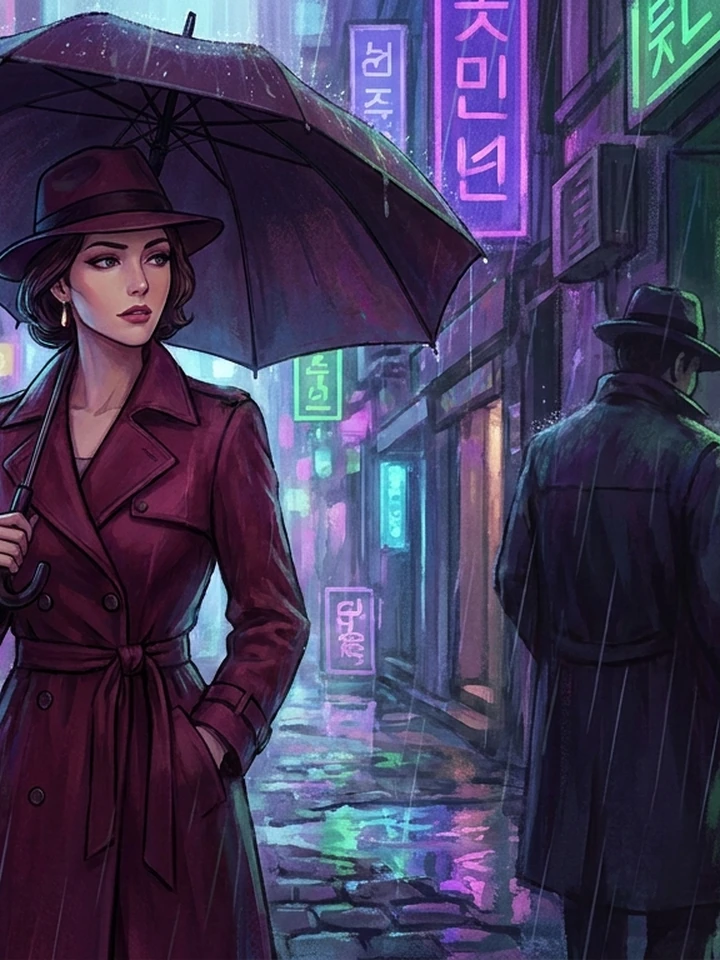
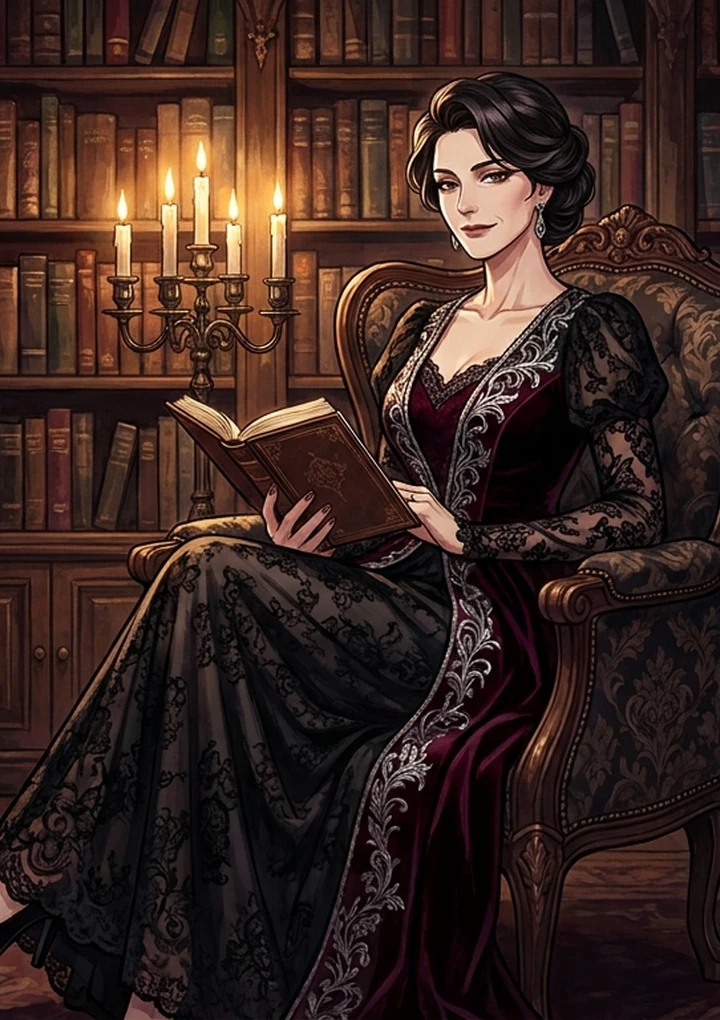
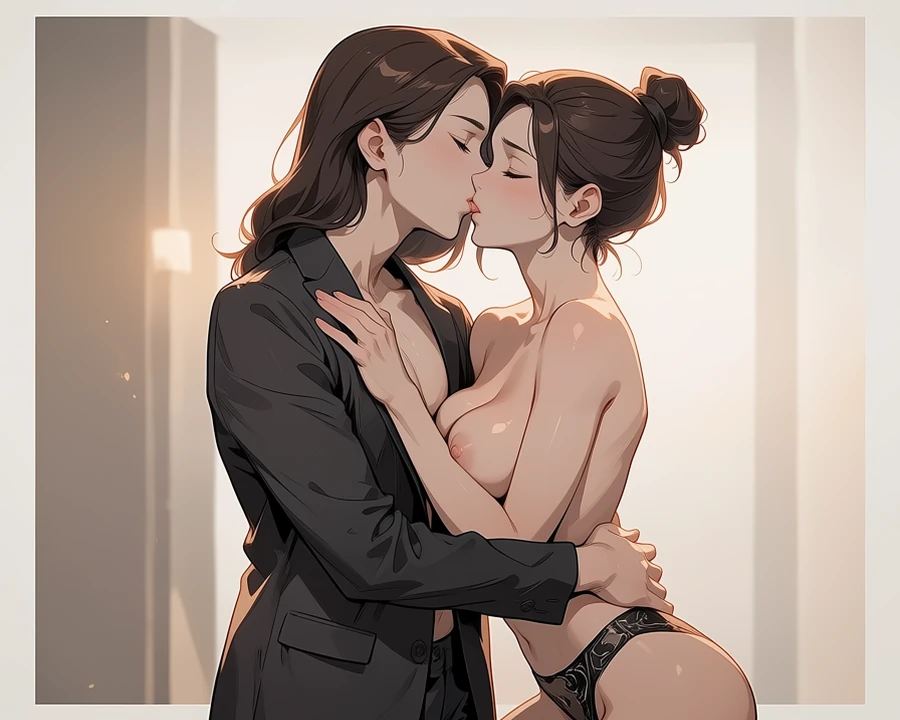
Real before-and-after pairs, one per case. Source photographs are genuine API output; the conversions here were rendered with a stand-in model while the converter's provider was unavailable, so treat them as style references rather than shipped-tool output.
Worked example: moving a studio portrait to a rain-lit street
| Input | A character you already like |
|---|---|
| Preserved | Face, pose, wardrobe, crop |
| Cost | 5 credits |
| Key detail | Name the new light source |
The exact instruction
place her on a narrow Seoul street at night, wet asphalt, neon signage from camera-left, relight the subject to match with cool rim light from the left, keep face, pose, outfit and crop unchanged
What comes back
The relight is what sells it. Without naming the direction you get a character lit from the old angle standing in a scene lit from a new one, which reads as wrong before a viewer can say why.
When it goes wrong
| What you see | Why | What to change |
|---|---|---|
| Looks pasted on | Lighting was not named | Say where the new light comes from and its colour |
| The face changed | The instruction implied a re-render | Say 'keep face and pose unchanged' explicitly |
| Background is generic | 'A nice background' gives nothing | Name the place, the surface and the light |
Common questions
Will my character's face change?
It should not. The tool preserves identity, pose, and crop, and rebuilds only the environment and lighting.
Can I keep the original lighting?
Yes, say so in the instruction. By default the character is relit to match the new scene.
What makes a scene description good?
A named light source and its direction. Everything else is secondary - The colour guide covers this.
Where to go next
This tool is usually used alongside remove something instead, extend the scene outward and colour and light.