Object Remover
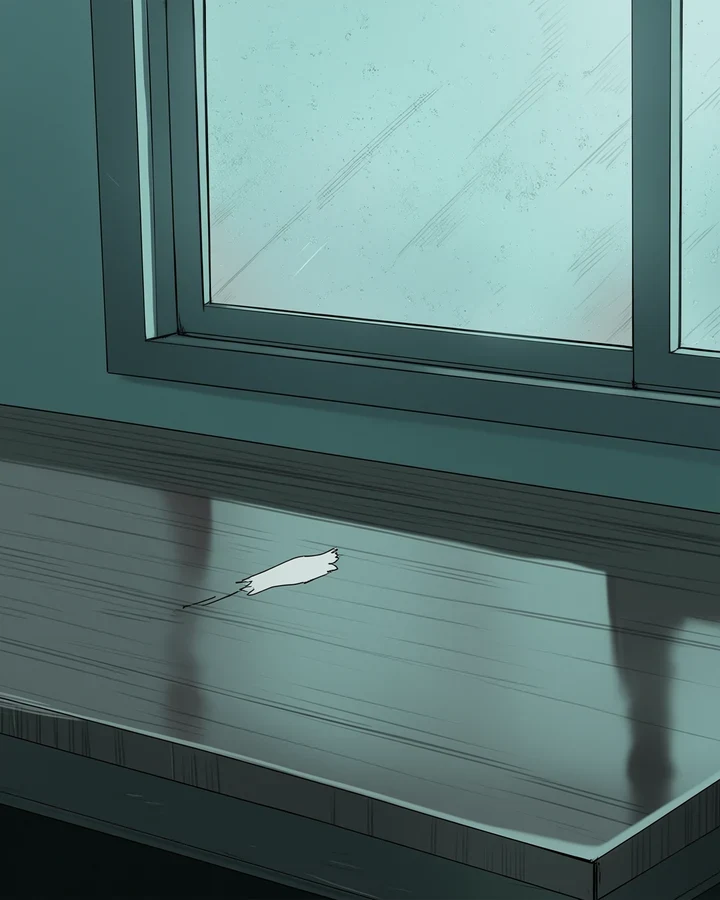
Name what you want gone and it disappears. The space behind it is rebuilt from the scene around it. The deletion is easy. Inventing what was hidden is the hard part.
Be specific about what to remove
Vague instructions make the model guess. It guesses differently from you.
- 'The coffee cup on the left of the table' - Works.
- 'The clutter' - Fails, because the model has to decide what counts as clutter.
- Name position as well as object when there are several of the same thing - The same precision good prompts rely on.
Reconstruction depends on context
How well the gap fills depends on what sits around it.
Easy
Plain walls, open sky, flat floors. The model just continues what is already there.
Harder
Regular patterns - Tiles, brickwork, fabric weave. Usually convincing if the pattern is consistent.
Hardest
Complex, irregular detail, or part of a character. Anatomy reconstruction varies a lot.
When to use something else
If the result looks smudged, the hidden area was too complex to work out. Remove a smaller region instead. Or recompose with Canvas Expander or Scene Changer.
Worked example: deleting a prop from a finished scene
| Input | Finished illustration |
|---|---|
| Cost | 5 credits |
| Works best | Against plain or regular surfaces |
| Be | Specific about which object |
The exact instruction
remove the coffee cup on the left side of the table and reconstruct the wooden surface behind it, match the existing grain and lighting
What comes back
Name the position as well as the object when several similar things are in frame. Saying what belongs behind it gives the fill something to aim at.
When it goes wrong
| What you see | Why | What to change |
|---|---|---|
| The wrong thing disappeared | Ambiguous instruction | Name position as well as object |
| The gap looks smudged | Hidden area was too complex to infer | Remove a smaller region, or recompose |
| Anatomy came back wrong | Body reconstruction is the hardest case | Try Canvas Expander to recompose instead |
Common questions
Can I remove part of a character?
Yes. But rebuilding anatomy is harder than rebuilding scenery, so results vary more.
What if the result looks smudged?
The area behind the object was too complex to work out. Remove a smaller region, or recompose.
How do I remove several things?
Name each one separately. A single vague instruction produces unpredictable results.
Where to go next
This tool is usually used alongside remove everything behind, extend the frame and replace the setting.