Photo to Anime
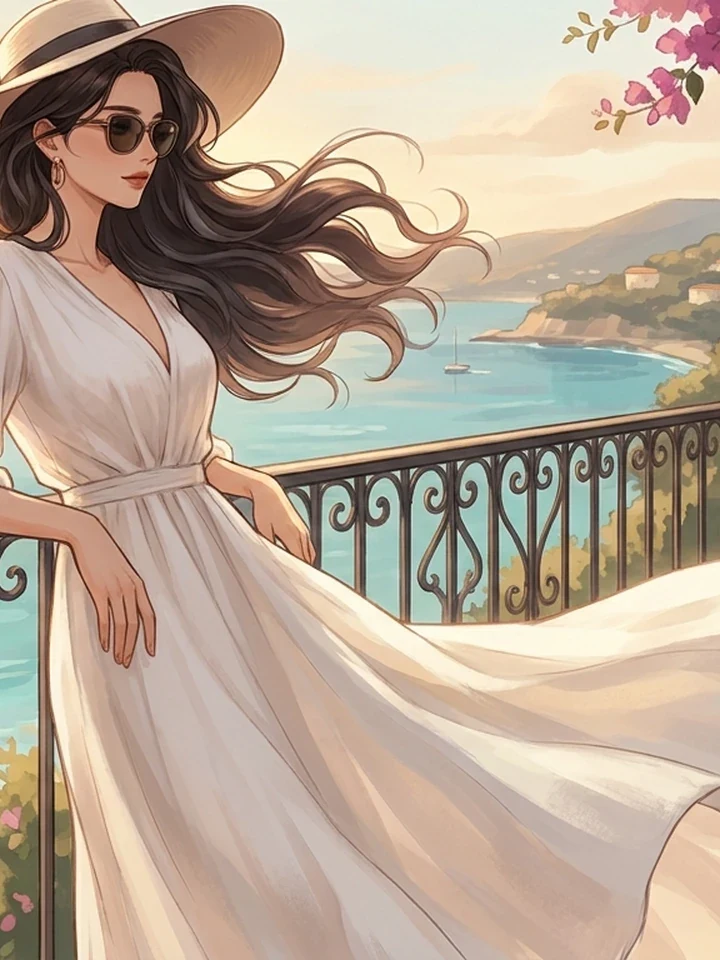
This reads a photo's structure - Head angle, shoulder line, where the light falls. Then it redraws that in a manhwa style. It is a translation, not a filter. You get a new illustration that shares the original's composition.
What transfers and what changes
Structure survives. Fine detail is reinterpreted.
| Element | Result |
|---|---|
| Head and body angle | Carries over |
| Crop and framing | Carries over |
| Light direction | Carries over |
| Facial proportion | Shifts to anime convention |
| Skin texture | Replaced by cel shading |
Getting a better result
The source photo does most of the work.
- Directional light beats flat light. A photo lit from one side gives the model something to work with.
- A passport-style flat shot gives it nothing and returns something generic.
- Simple backgrounds convert more cleanly than busy ones.
Where to go from here
The output behaves like any other illustration. Push it further with Anime Restyle, or rebuild the linework at high resolution with the upscaler.
Before and after
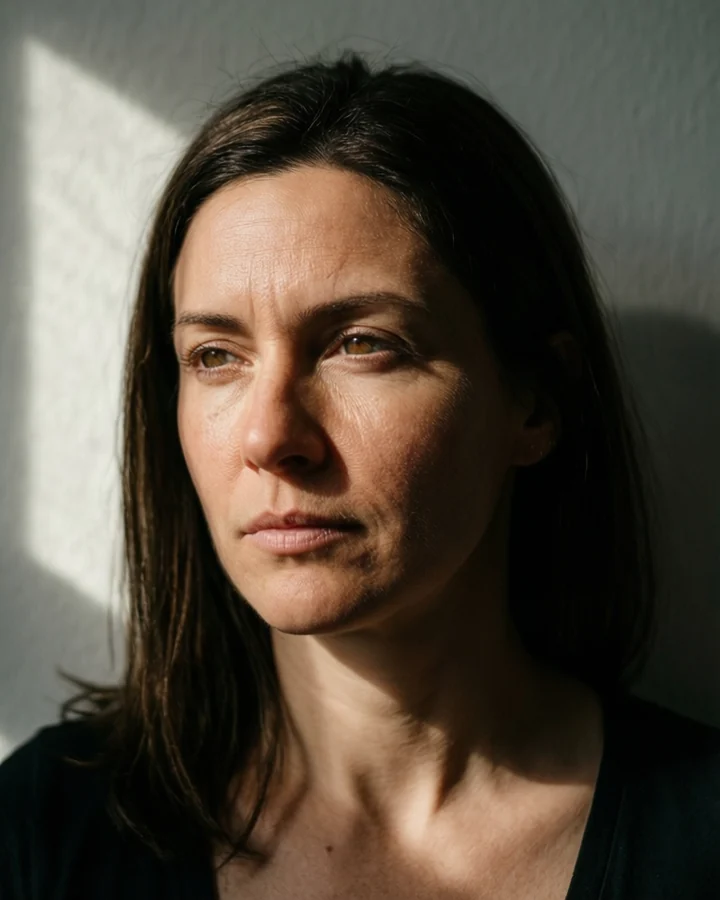
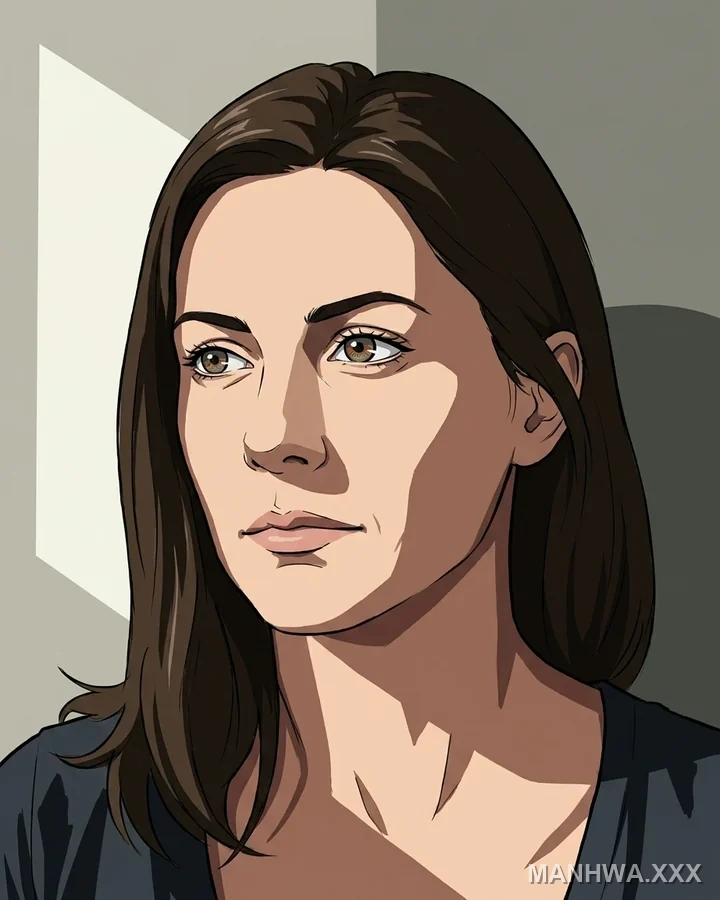
Left The source photograph, lit from camera-leftRight The same portrait redrawn as a manhwa illustration
Drag the handle to compare.
- Survives
- Head angle · hair · the shirt · the direction of the light
- Changes
- Skin texture flattens to cel shading · the face moves to anime proportion
- Expected
- That second change is the tool working, not failing
What the conversion produces
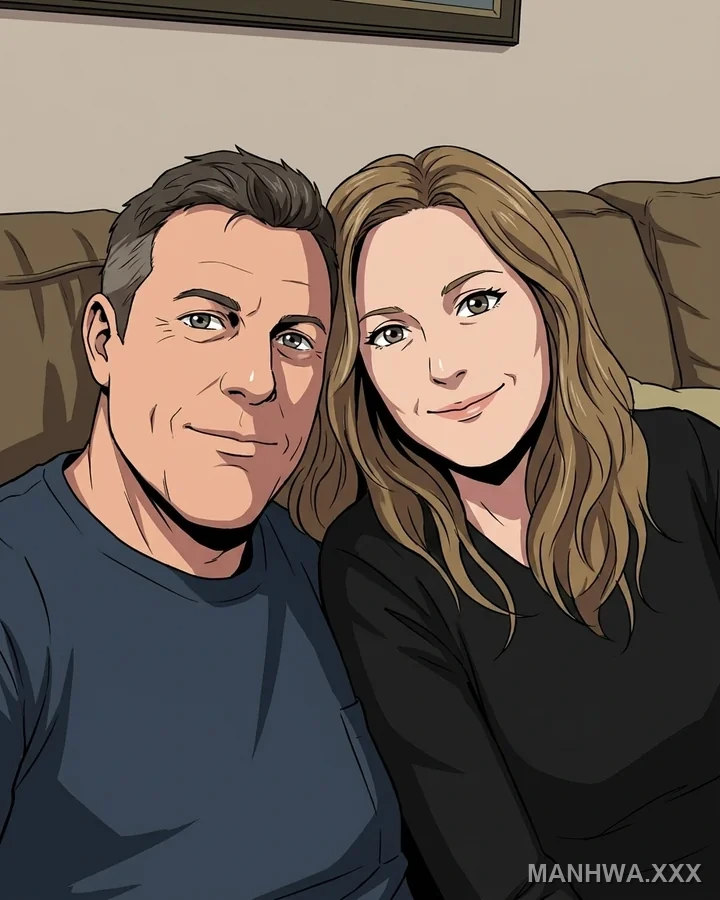
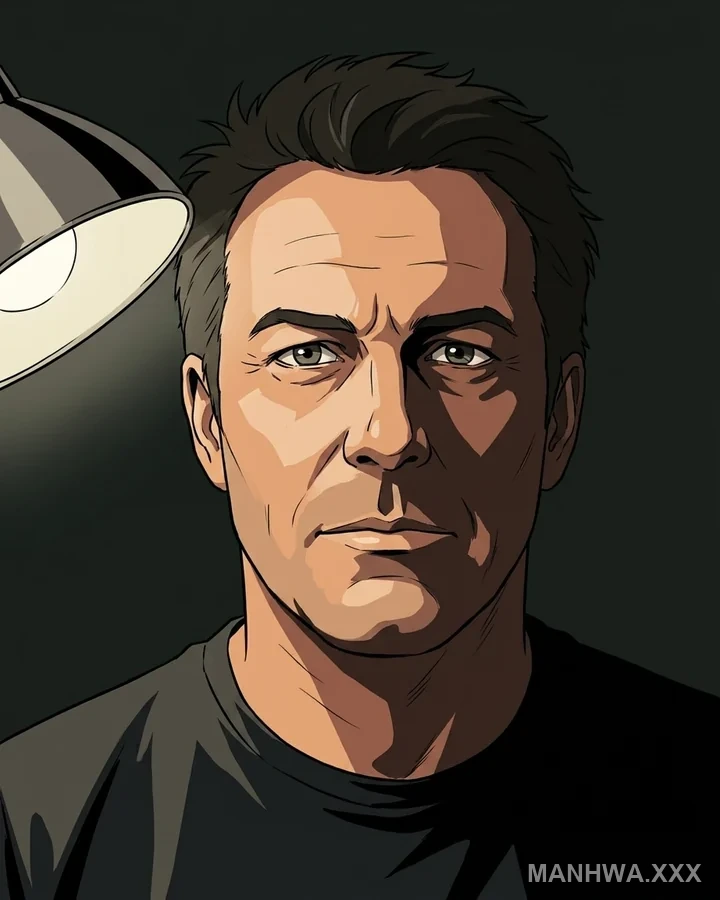
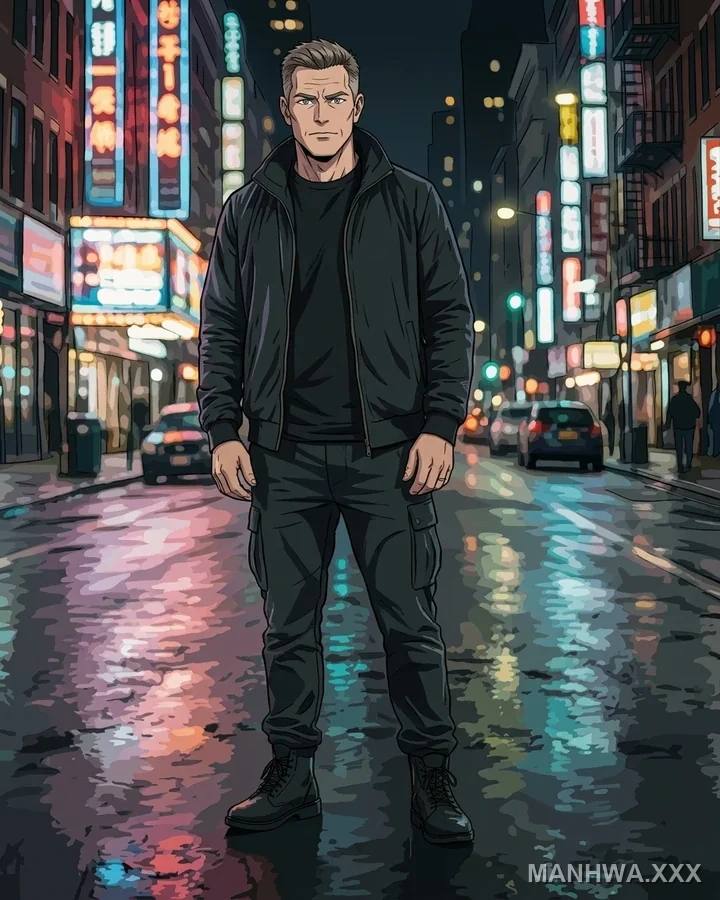
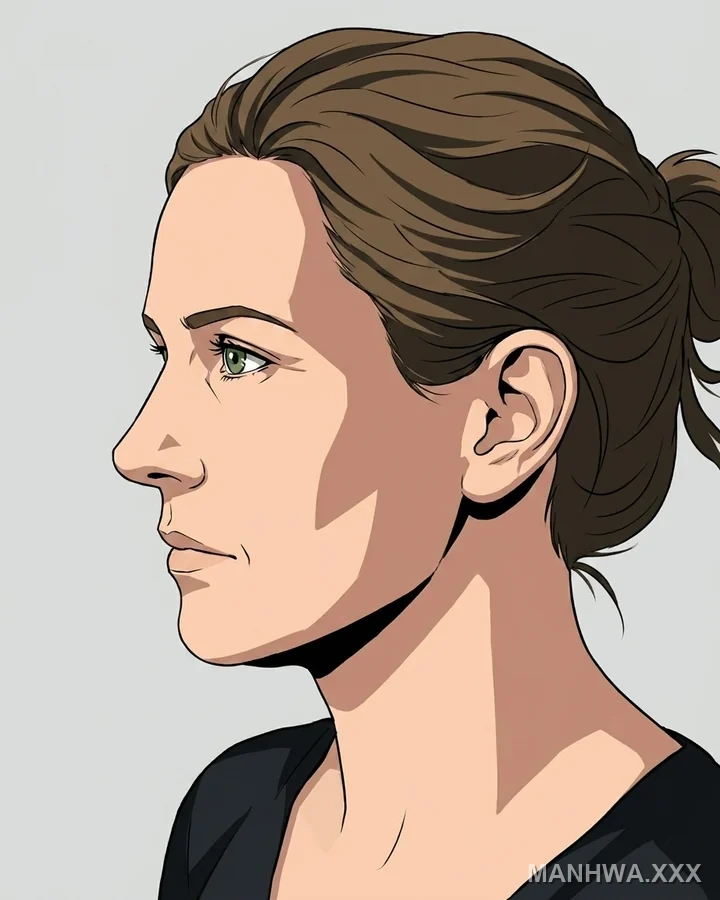
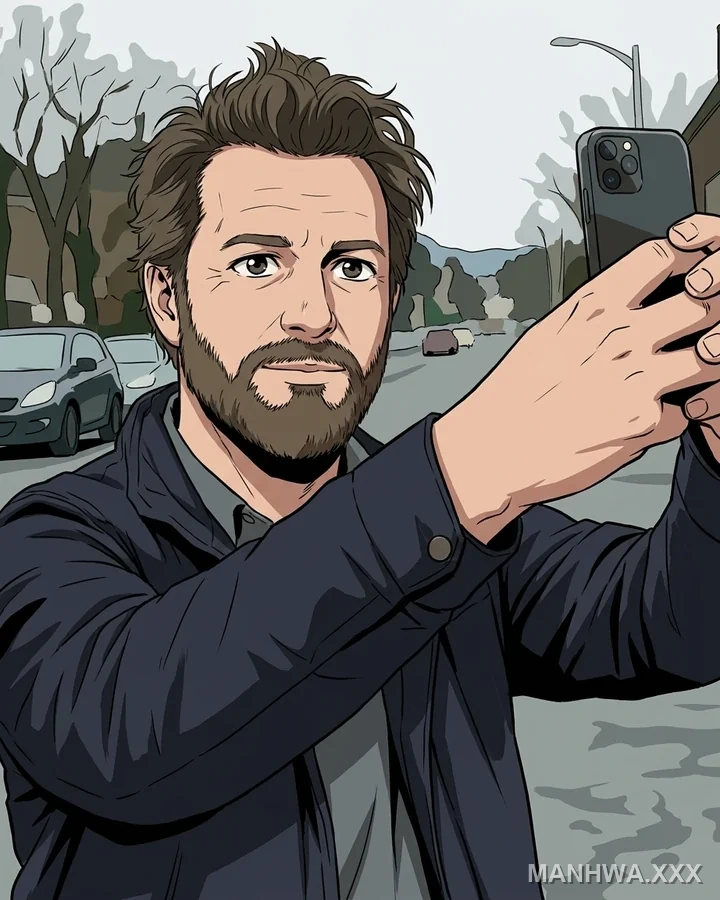
Real before-and-after pairs, one per case. Source photographs are genuine API output; the conversions here were rendered with a stand-in model while the converter's provider was unavailable, so treat them as style references rather than shipped-tool output.
Worked example: a side-lit portrait converted to manhwa
| Source | JPEG or PNG, under 15 MB |
|---|---|
| Best input | Light clearly from one side |
| Cost | 5 credits |
| Follow with | Upscaler at 2x |
The exact instruction
translate to premium korean manhwa illustration, keep the head angle and shoulder line, keep the light coming from camera-left, cel shading, clean linework
What comes back
Pose, crop and light direction survive. The face moves toward anime proportion. Skin texture becomes flat cel shading. That shift is the tool working, not failing.
When it goes wrong
| What you see | Why | What to change |
|---|---|---|
| The result looks generic | The source was flat, evenly lit | Use a photo with one obvious light direction |
| It barely resembles the person | Likeness is approximate by design | Accept it, or use it as a base and refine in the studio |
| The background turned to mush | Busy backdrop with no clear planes | Simplify first with Background Remover |
Common questions
Can I convert a photo of a real person?
Only with their consent. Never to make sexual imagery of them. Real-person intimate imagery is banned - See the content rules.
Why does the face not match the photo?
The tool redraws in anime proportion. It does not trace. Likeness is approximate by design.
Does it work on full-body shots?
Yes. But faces take up fewer pixels and lose detail. Crop closer if the face matters most.
Where to go next
This tool is usually used alongside line art instead, restyle an existing illustration and upscale the result.