Image to Prompt
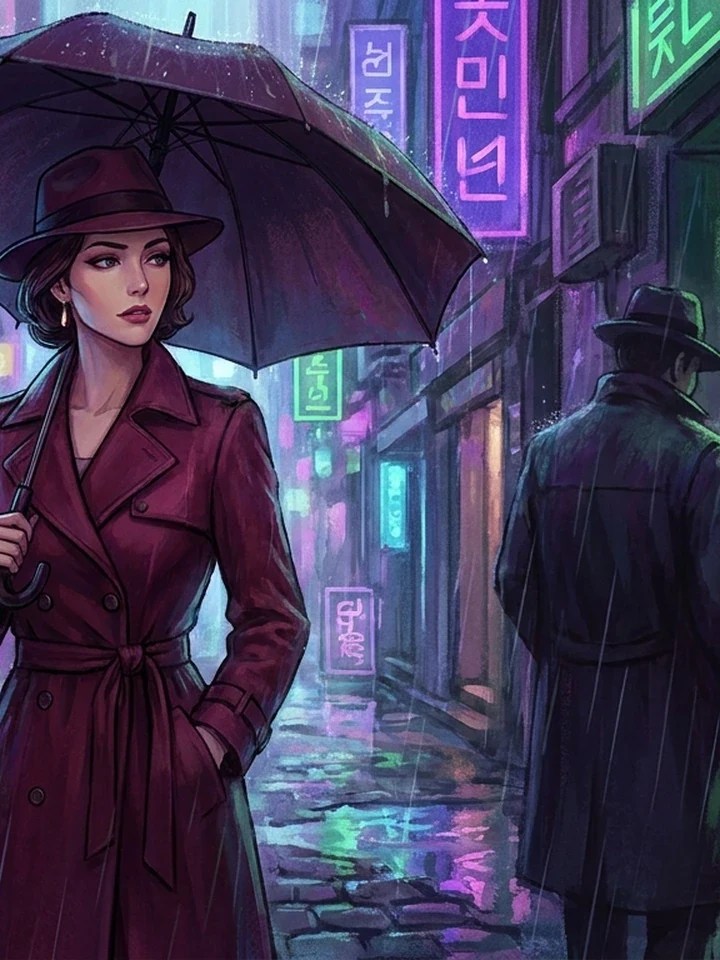
Point this at an image and it tells you what is really there: framing, light direction, palette, styling, and the tags a model knows. Most people cannot say why a picture works. This says it for you.
Use it to learn, not to copy
The output is vocabulary, not a clone button. Take the lighting and camera language, discard the character specifics, and apply what you learned to your own character in the studio.
- Keep the light description - It transfers to anything.
- Keep the camera language - Distance and angle are reusable.
- Discard the subject. That part is someone else's character.
What it reads reliably
Strong on the concrete, weaker on the implied.
Reliable
Camera distance and angle, light direction and quality, dominant palette, rendering style, clothing construction.
Unreliable
Artist attribution, and anything implied rather than shown - Mood, narrative, relationship.
Useful anyway
Even an imperfect read gives you words you did not have before.
If you want something editable
This returns prose. Prompt Detective returns a structured blueprint split into parts you can change one at a time, which is better when you intend to build from it rather than just understand it.
Worked example: reading a reference you admire
| Input | Any image you have rights to use |
|---|---|
| Returns | Prose description plus tags |
| Cost | 5 credits |
| Next step | Keep the light and camera, drop the subject |
The exact instruction
describe composition, light direction and quality, palette, rendering style, and the danbooru tags a model would recognise
What comes back
You get words for things you could see but not name. Take the lighting and camera sentences into your own prompt. Drop the character description - That belongs to someone else's work.
When it goes wrong
| What you see | Why | What to change |
|---|---|---|
| The description is vague | Source image is low contrast or cluttered | Crop to the part you actually want to understand |
| It named no useful tags | Style sits outside the training vocabulary | Compare against the tag index |
| I wanted editable fields | This returns prose | Use Prompt Detective instead |
Common questions
Does this reproduce the original image?
No. It returns a written description. Feeding that to a model produces something in a similar register, not a copy.
Can I use it on my own work?
Yes, and it is genuinely useful - It tells you which qualities of your image a model can actually see.
How is it different from Prompt Detective?
This returns prose. Prompt Detective returns editable, labelled fields.
Where to go next
This tool is usually used alongside get an editable prompt blueprint, how to structure the result and the tag vocabulary.